This is essential in order to be able to open the modules. Click on this link to conduct a system check or read the
If you click on a link in a module or switch to a different program on your computer, your module may disappear. Don't worry, it's probably just hiding. Check your browser tabs and you'll find the module page again.
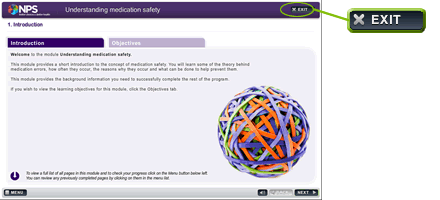
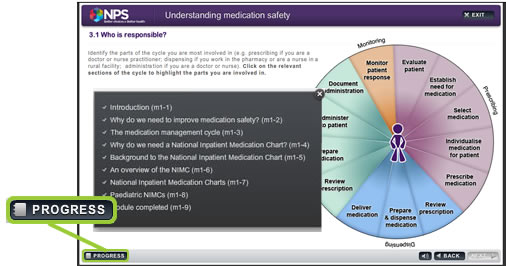
When you have viewed a page it will be ticked in the Menu list which you can access in each module. You can jump forwards or back to any page that is marked with a tick, by clicking on "http://nps.lamsinternational.com/moodle/file.php/1/NDAM/Computer_Requirements.htm" title="Computer requirements" target="_self">Computer Requirements document for details, instructions and links.
This is essential in order for your progress and completion to record properly.
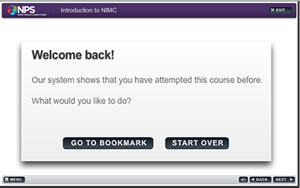
If you exit a module before completing it, the system will remember which page you are up to. Next time you open that module you will be able to choose "Go to bookmark" which will take you back to the last page you were viewing.
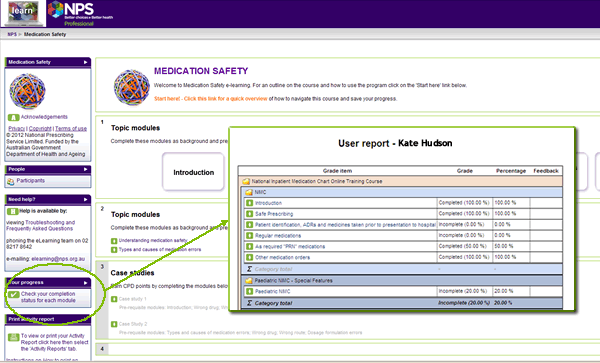
Clicking on Your Progress will display a report that shows which modules you have completed.
Check the Frequently Asked Questions for more helpful tips.
Contact the NPS eLearning Support team by calling 02 8217 8642 or emailing us. We are always happy to help you.
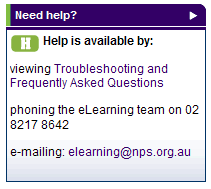
All our help contact details are in the Need help? block on the course main page.
Use your browser back button to return to the course page.